
Get a Free Demo

Redmineflux MCP is live - connect any AI agent to Redmine.Explore More →

Theme · Configurable

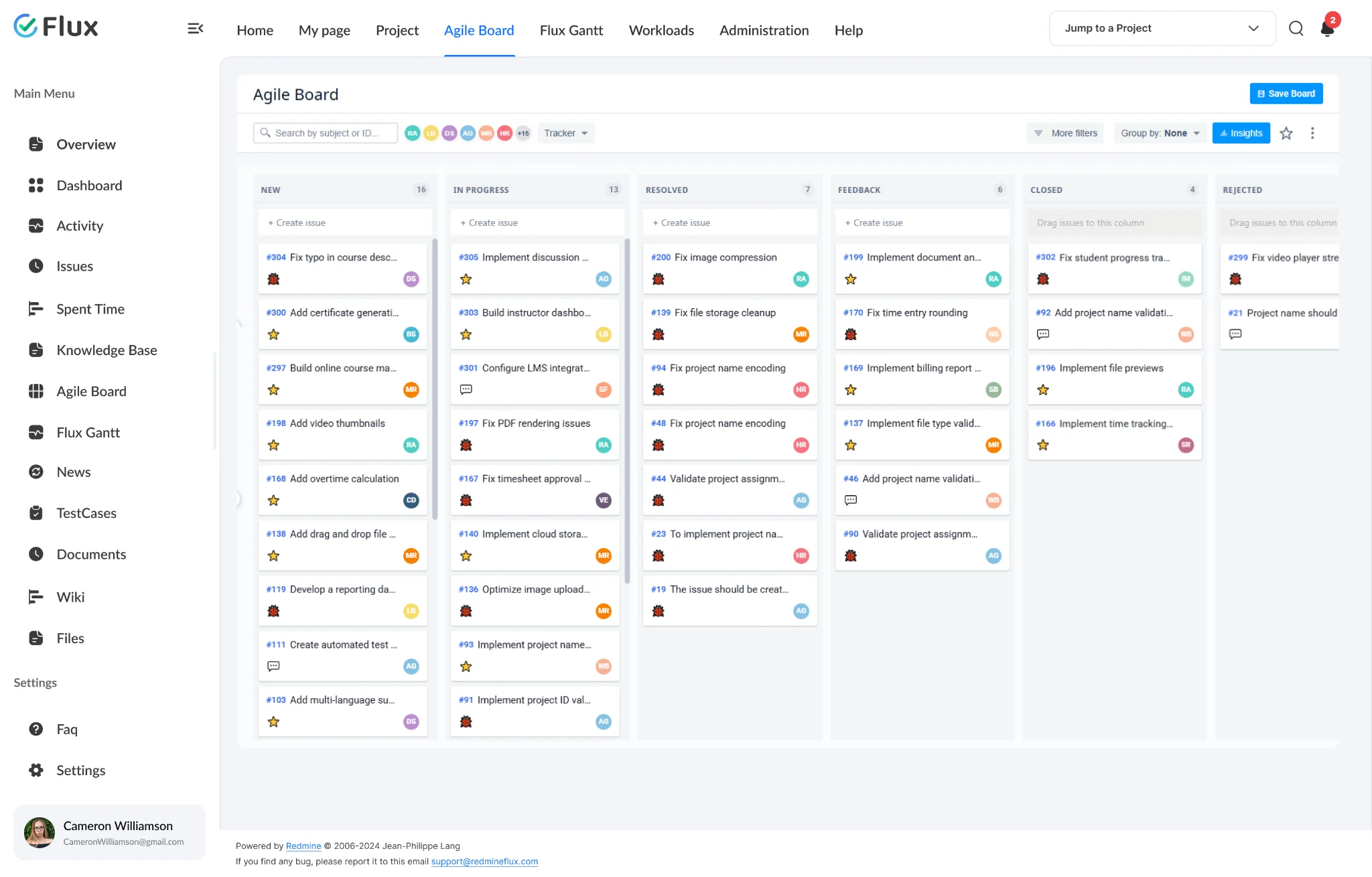
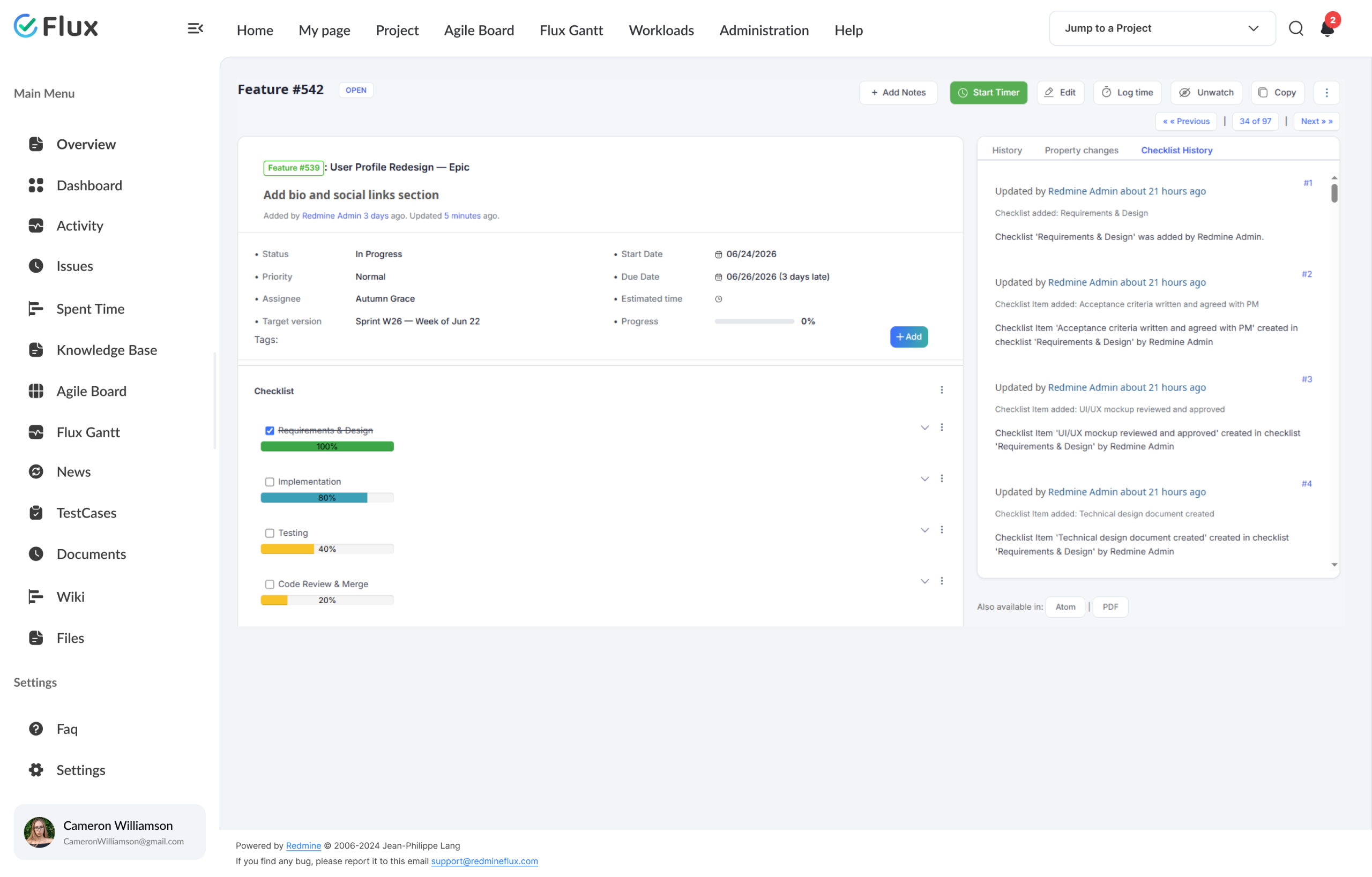
Lotus Theme — A Structured, Customisable Interface for Redmine.

Replaces Redmine's default layout with a collapsible sidebar, colour-coded tracker borders, custom priority icons, and a rich project card view — for teams that need visual structure, not just visual polish.

Palette
$99

one-time purchase · 1 year of updates included

Included with All Plugins Bundle · Support renewal after 1 year 30% of theme price

Every plugin in Cloud also runs on self-hosted Redmine.

Lotus theme - a structured, customisable interface for Redmine

Visual tour

Lotus across your workflow.

Lotus theme - issue list with tracker border colour coding

Issue list – tracker types at a glance

Colour-coded left borders on issue ID cells make Bug, Feature, Enhancement, and Support issues instantly distinguishable across issue lists, related issues, and subtask tables. Your team scans the list rather than reading each tracker column individually.
Lotus theme - collapsible sidebar navigation with context-aware modes

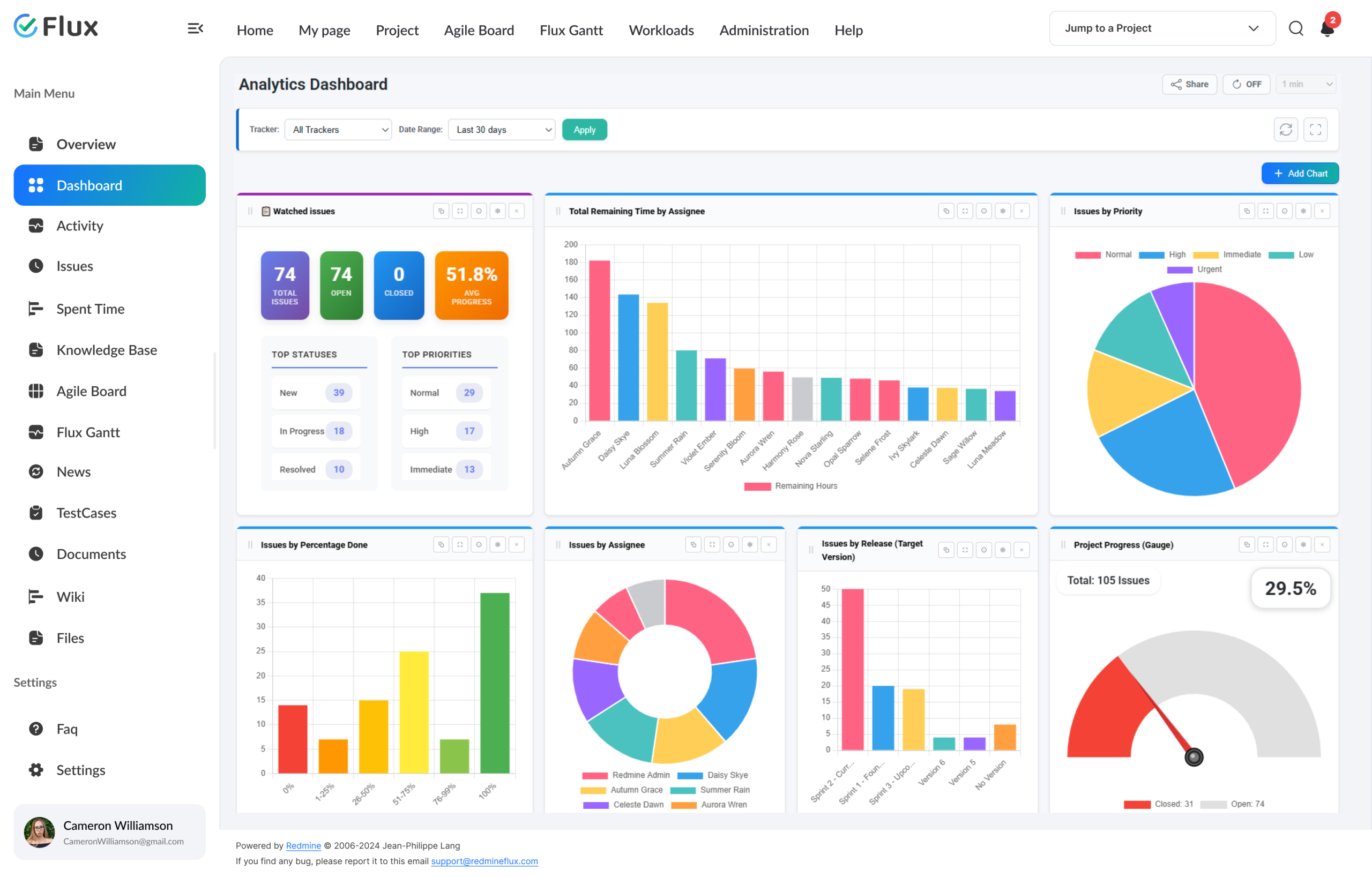
Collapsible sidebar – more space when you need it

The left sidebar collapses in one click and saves its state across browser sessions. On a laptop with a Gantt chart or wide issue list open, it gives back real working space. Tooltips keep labels visible when the sidebar is collapsed — nothing is lost.

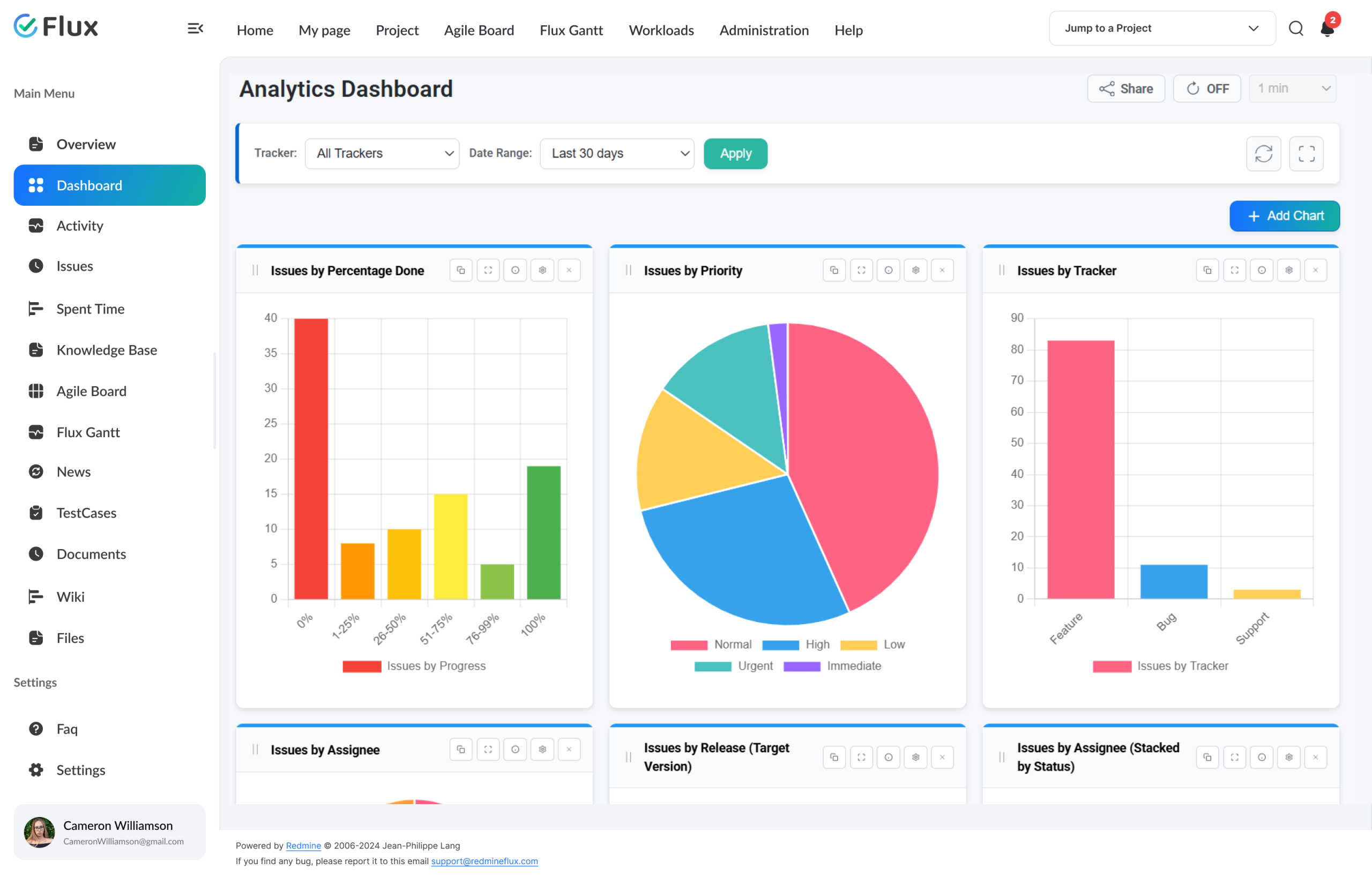
Lotus theme - project card grid view with customer, manager, and progress information

Projects index – status without clicking

Switch between a rich Grid view and a traditional List view on the Projects index. Cards surface customer name, project manager, progress bar, team member avatars, dates, and subproject hierarchy — everything a project manager needs before opening any project.

With a Bundle

Included with the All Plugins Bundle

Lotus is included in the Redmineflux All Plugins Bundle. No separate theme licence needed.

Includedwith All Plugins Bundle

See Bundle pricing →

Or standalone

Buy standalone

Install Lotus on your existing Redmine instance. Tracker border colours and priority icons are configured from the Redmine admin panel once installed — no dependency on any other Redmineflux plugin required.

$99one-time

Buy Lotus Theme →

Works on

All Redmine versions Redmineflux Cloud · pre-installed WCAG 2.1 AA contrast

Frequently asked

Questions before you install.

The questions teams actually ask before switching the Redmine theme. If yours isn't here, contact us.

Does the Lotus Theme require database changes?

No. The Lotus Theme stores all settings — tracker border colours and priority icons — using Redmine's built-in plugin settings system. No database tables are created or modified. The standard plugin migration command is run as a registration step only.

Is the Lotus Theme compatible with Redmineflux plugins?

Yes. Lotus is designed and tested to work alongside all Redmineflux plugins — including Dashboard, Agile Board, Workload, Timesheet, and Helpdesk. The theme repositions Timesheet and Helpdesk sidebar content automatically for consistent layout integration.

How do I activate the Lotus Theme after installation?

Navigate to Administration → Settings → Display, select “Redmineflux Lotus” from the Theme dropdown, and click Save. The layout applies across all Redmine pages immediately — no server restart required. Tracker colours and priority icons are then configurable from Administration → Plugins → Configure.

Which Redmine versions is the Lotus Theme compatible with?

The Redmineflux Lotus Theme is compatible with all Redmine versions. Compatibility is verified with each theme update.